Risk Analysis
Overview
The Risk Analysis plugin groups plan changes by risk level (critical, high, medium, low, none) and displays an overall risk assessment. It provides a reason for each change’s risk classification, such as destructive operations or modifications to critical resources.
Screenshot
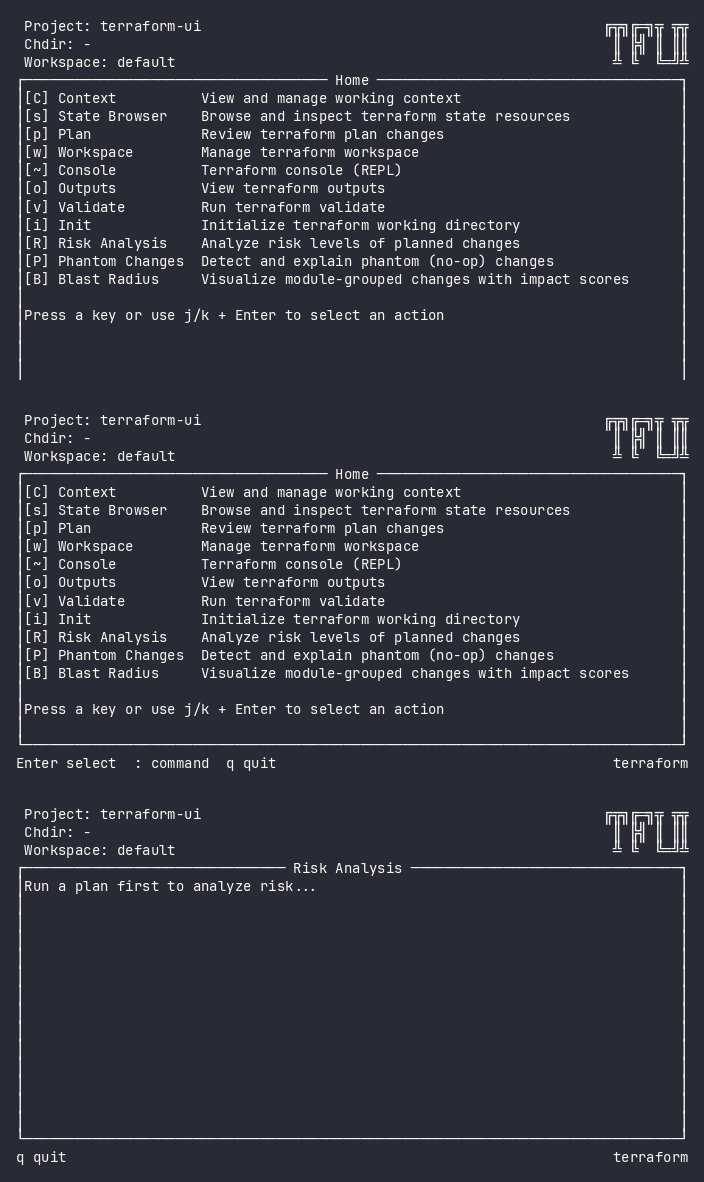
Interactive (TUI)
Press R (uppercase) to open the Risk Analysis view. It requires a completed plan – if no plan has been run, it will prompt you to run one first.
Keybindings
| Key | Action | Context |
|---|---|---|
j / k |
Navigate up/down through groups and changes | List |
Esc |
Go back | Always |
Flow
Home ──R──→ Risk Analysis (loading) ──→ Risk Analysis (grouped list)
                                           │
                                           ├── j/k → Navigate groups and changes
                                           └── Esc → Home
Command Line (CLI)
Risk Analysis is an analysis view within the TUI. It does not have a standalone CLI command.
Plan data with risk classifications is available in structured form via:
tfui plan -project ./infra -json
The JSON output includes a risk field on each change and an overall risk summary.
Equivalence
| Goal | CLI | TUI |
|---|---|---|
| See risk breakdown | tfui plan -json (parse risk field) |
Press R |
| Find critical changes | tfui plan -json \| jq '.changes[] \| select(.risk=="critical")' |
R → navigate to critical group |
| Get overall risk level | tfui plan -ci (shows Risk: CRITICAL) |
Risk badge in header |
Configuration
# tfui.hcl
plugin "risk" {
  enabled = true
}
| Option | Type | Default | Description |
|---|---|---|---|
enabled |
bool | true |
Enable/disable the plugin |
Related
- Plan – view the raw plan changes
- Blast Radius – module-level impact scoring
- Phantom Changes – filter out cosmetic-only changes