Chdir Picker
Overview
Select a member directory within a multi-module project. This is an internal plugin activated by the Context plugin (not directly accessible from the home menu). It uses NavPush behavior – selecting a member or pressing Esc returns to the origin plugin.
Screenshot
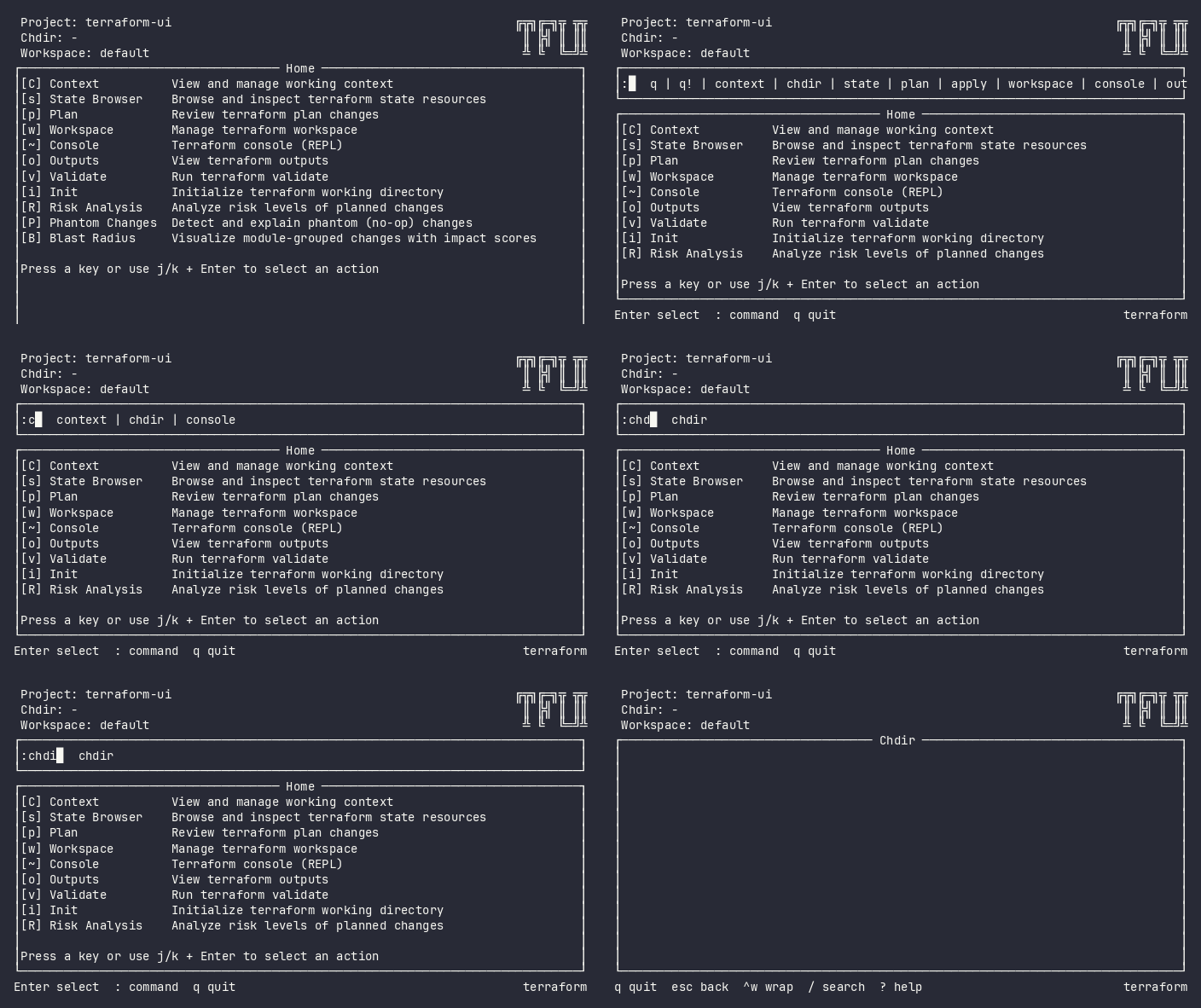
Interactive (TUI)
Keybindings
| Key | Action | Context |
|---|---|---|
Enter |
Select member directory | List |
/ |
Filter members | List |
Esc |
Cancel and return to origin | Always |
Flow
Context ──→ Chdir Picker (list)
               │
               ├── Enter → ChdirChangedEvent → pop back to origin
               ├── / → Filter members
               └── Esc → Cancel → pop back to origin
Command Line (CLI)
Not available as a standalone command. Use -chdir flag:
tfui plan -project ./infra -chdir modules/networking
Exit Codes
| Code | Meaning |
|---|---|
| 0 | Command with -chdir succeeded |
| 1 | Invalid or non-existent member path |
Equivalence
| Goal | CLI | TUI |
|---|---|---|
| Select member directory | -chdir <member> flag |
Context → Chdir → select |
| Filter members | Specify exact path | / → type filter |
Configuration
Members are declared in tfui.hcl:
member "modules/vpc" {}
member "modules/ecs" {}
member "modules/networking" {}
Related
- Context – parent plugin that activates chdir picker
- Configuration – declaring members in tfui.hcl