Phantom Changes
Overview
The Phantom Changes plugin identifies plan changes that are cosmetic only – they appear in the plan output but result in no actual infrastructure modification. Common causes include JSON field reordering, tag ordering differences, and semantically equivalent value serialization. Each phantom change includes an explanation of why it is a no-op.
Screenshot
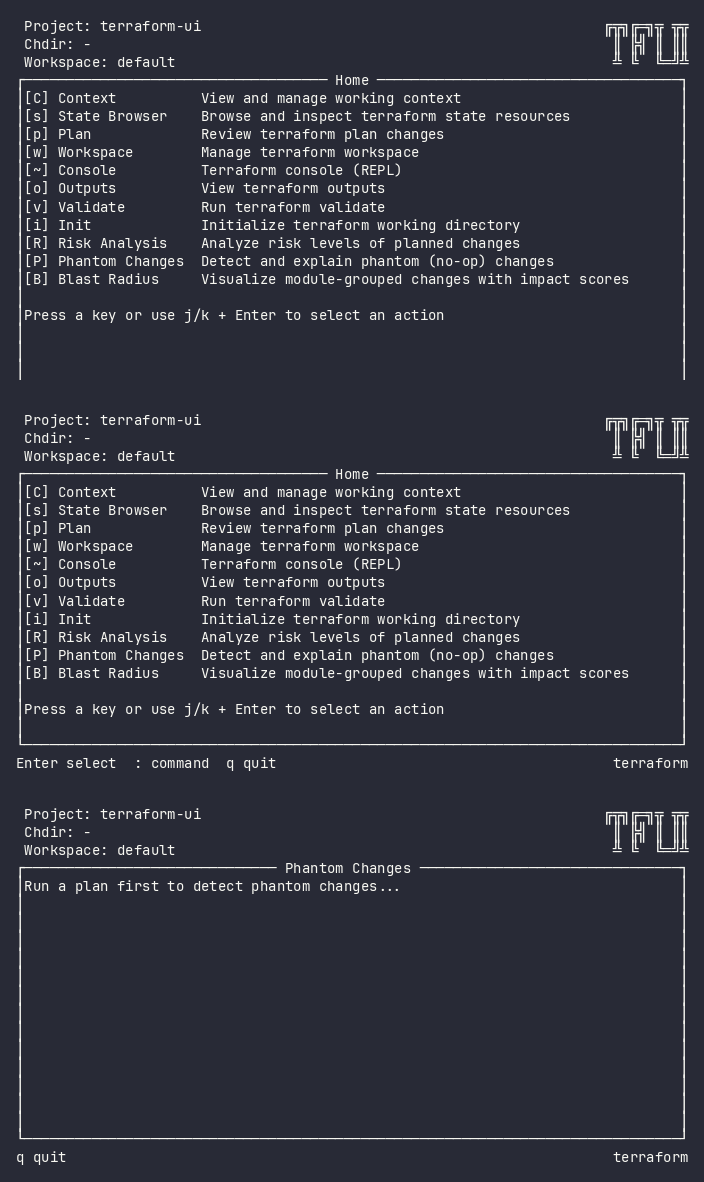
Interactive (TUI)
Press P (uppercase) to open the Phantom Changes view. It requires a completed plan to analyze.
Keybindings
| Key | Action | Context |
|---|---|---|
j / k |
Navigate up/down | List |
Enter / Space |
Expand/collapse phantom details | List |
Esc |
Go back | Always |
Flow
Home ──P──→ Phantom Changes (loading) ──→ Phantom Changes (list)
                                             │
                                             ├── Enter/Space → Expand phantom details
                                             └── Esc → Home
Command Line (CLI)
Phantom Changes is an analysis view within the TUI. It does not have a standalone CLI command.
Phantom detection data is available in structured form via:
tfui plan -project ./infra -json
The JSON output includes a phantom boolean on each change and a phantom_resources array.
Equivalence
| Goal | CLI | TUI |
|---|---|---|
| Identify phantom changes | tfui plan -json (filter phantom: true) |
Press P |
| Count phantoms | tfui plan -ci (shows phantom count) |
Phantom badge in plan header |
| See phantom explanations | tfui plan -json (parse phantom reasons) |
P → expand change |
Configuration
# tfui.hcl
plugin "phantom" {
  enabled = true
}
| Option | Type | Default | Description |
|---|---|---|---|
enabled |
bool | true |
Enable/disable the plugin |
Related
- Plan – see all changes including phantoms
- Risk Analysis – phantoms are marked as cosmetic in risk view
- Blast Radius – phantoms are flagged in module groups