Force Unlock

Overview

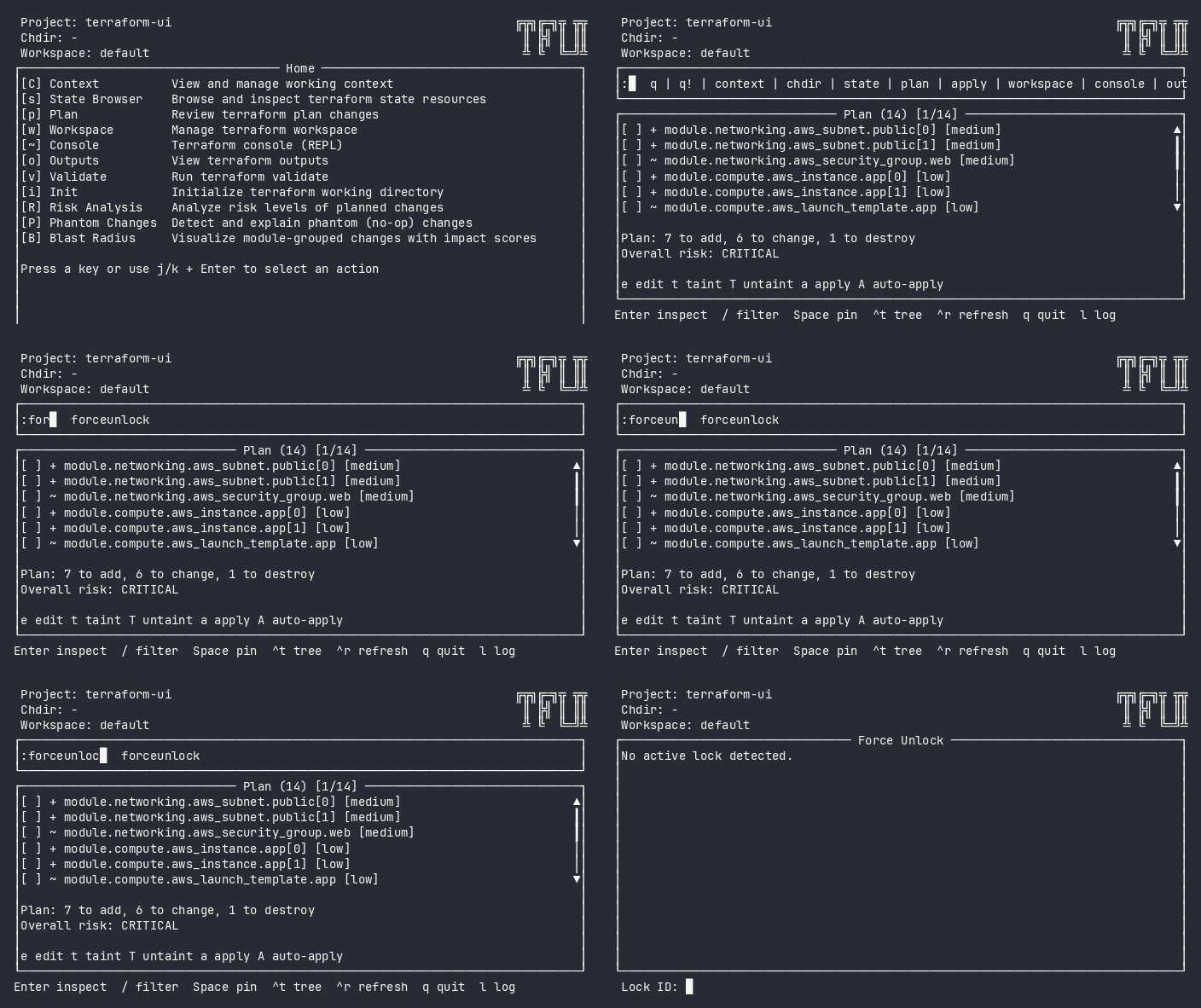
Remove a stale terraform state lock. Access via :forceunlock from the command bar, or press u from any plugin showing a lock error. The plugin subscribes to LockDetectedEvent – when any plugin encounters a lock error, the lock ID is already known (no manual entry needed).

Screenshot

Force Unlock

Interactive (TUI)

Keybindings

Key Action Context
y / Y / Enter Confirm unlock Confirming
n / N / Esc Cancel and return Confirming
ctrl+r Retry Error
q / Esc Back to previous plugin Always

Flow

Idle → Confirming → Loading → Done/Error
  1. If a lock was detected (via state/plan error), shows lock details and prompts for confirmation
  2. If no lock is detected, offers manual lock ID entry
  3. On confirmation, executes terraform force-unlock
  4. On success, emits LockClearedEvent (clears header badge) + PlanInvalidatedEvent (triggers refresh)
  5. NavPush returns user to previous plugin

Command Line (CLI)

tfui force-unlock <lock-id>          # Interactive confirmation
tfui force-unlock -force <lock-id>  # Skip confirmation (CI)

Exit Codes

Code Meaning
0 Unlock succeeded
1 Unlock failed

Equivalence

Goal CLI TUI
Remove stale lock tfui force-unlock <lock-id> u from lock error
Skip confirmation tfui force-unlock -force <lock-id> N/A (TUI always confirms)

Configuration

# tfui.hcl
plugin "forceunlock" {
  enabled = true
}
  • State Browser – press u from lock error to reach this plugin
  • Plan – press u from lock error during planning

This site uses Just the Docs, a documentation theme for Jekyll.