Outputs
Overview
View terraform output values for the current workspace. Outputs are fetched via terraform output -json and displayed in a filterable list with expandable JSON detail for complex values.
Screenshot
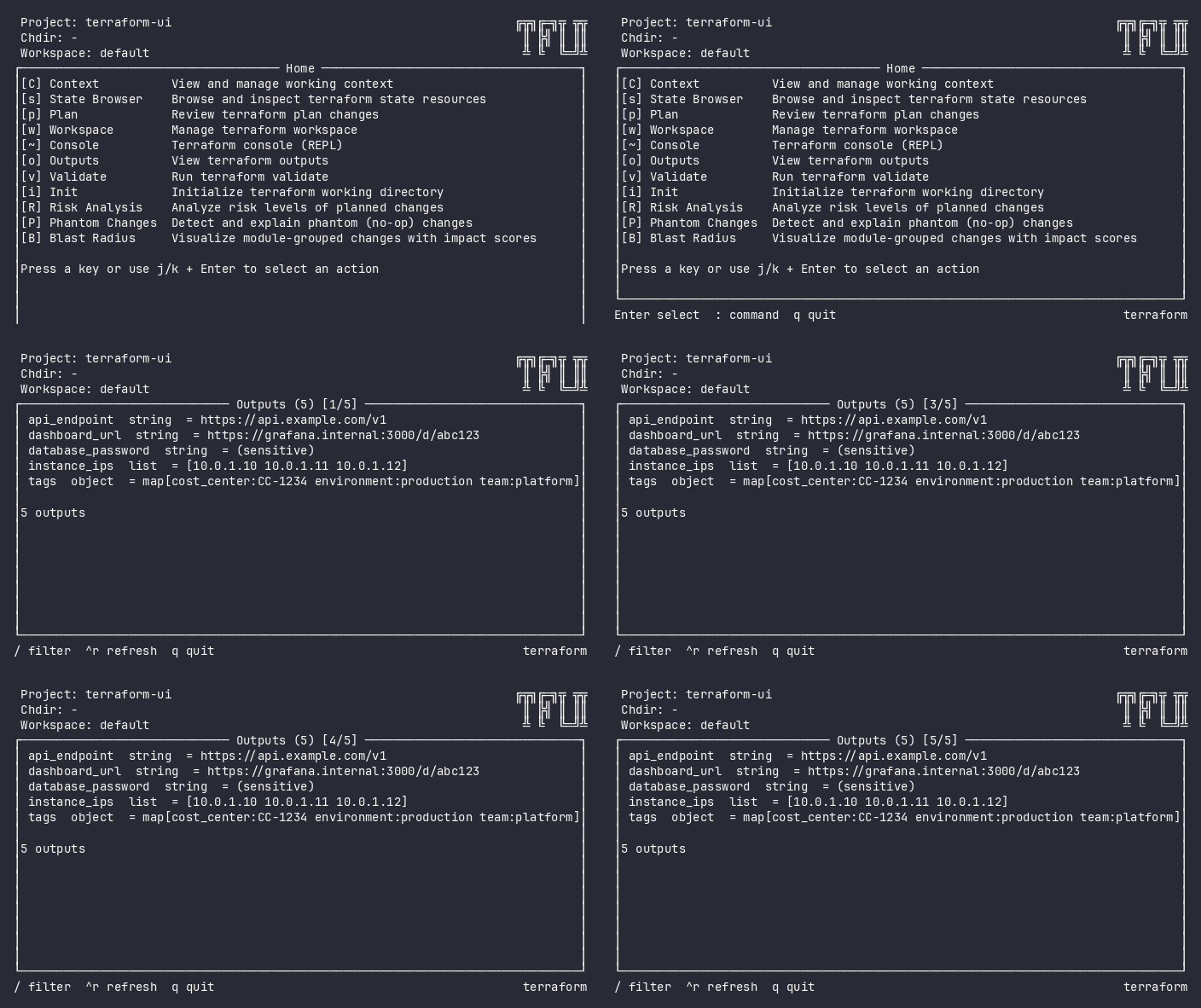
Interactive (TUI)
Press o from the home menu. The plugin fetches outputs and displays them in a filterable list.
Keybindings
| Key | Action | Context |
|---|---|---|
Enter / i |
Inspect output value (expanded JSON) | List |
/ |
Filter outputs by name | List |
ctrl+r |
Refresh outputs | Always |
Esc |
Back from detail / close filter | Detail / Filter |
q |
Back to home | Always |
Flow
Home ──o──→ Outputs (loading) ──→ Outputs (list)
                                     │
                                     ├── Enter → Inspect value (detail)
                                     ├── / → Filter by name
                                     ├── ctrl+r → Refresh
                                     └── q → Home
Command Line (CLI)
tfui output -project ./infra
tfui output -project ./infra -json
tfui output -project ./infra -ci
Exit Codes
| Code | Meaning |
|---|---|
| 0 | Outputs fetched successfully |
| 1 | Error fetching outputs |
Equivalence
| Goal | CLI | TUI |
|---|---|---|
| List all outputs | tfui output -ci |
Press o |
| Get output as JSON | tfui output -json |
N/A (TUI is visual) |
| Inspect single output | tfui output -json \| jq '.<name>' |
o → navigate → Enter |
Configuration
# tfui.hcl
plugin "output" {
  enabled = true
}
Related
- State Browser – browse resources vs output values
- Workspace – switch workspace to see different outputs