Context
Overview
The Context plugin displays the current working context as a form dashboard – Project directory, Chdir member, and Workspace. Selectable fields navigate to their respective picker plugins (chdir, workspace) for selection.
Changing context invalidates all plugin state. This is a full view switch (NavReplace), not a push – after a context change, plugins reload with fresh data.
Screenshot
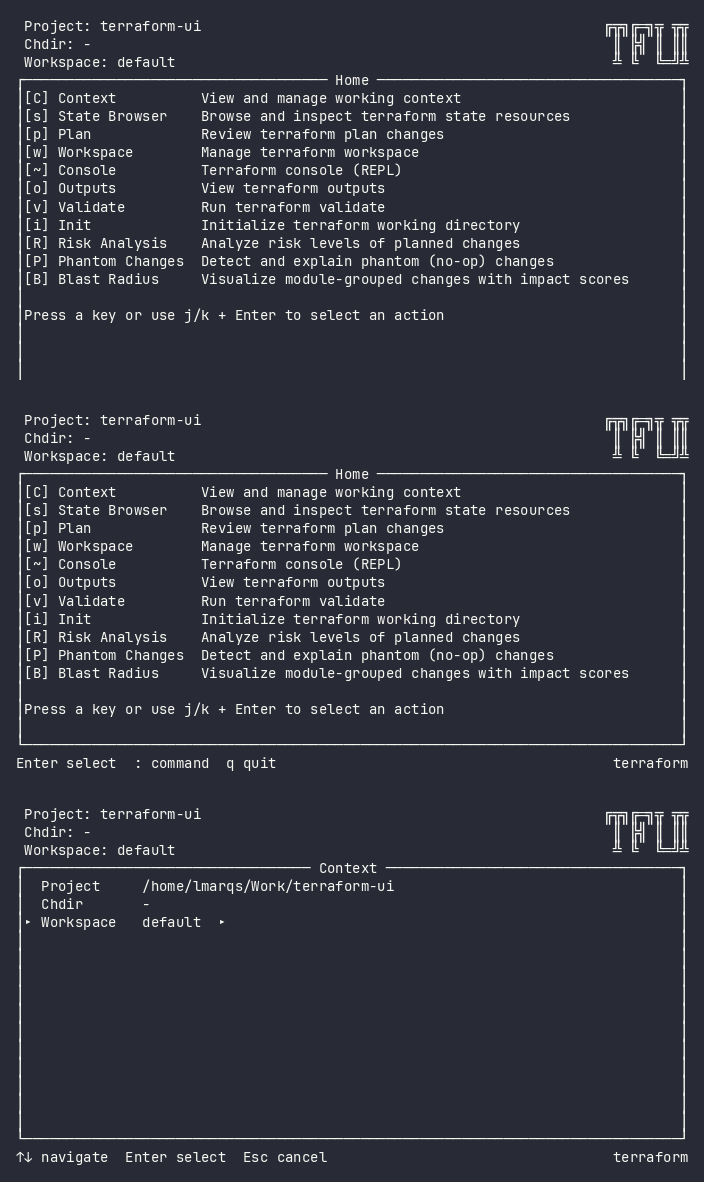
Interactive (TUI)
Press C from any screen or type :context to open the Context dashboard.
Keybindings
| Key | Action | Context |
|---|---|---|
j / k / ↑ / ↓ |
Navigate between fields | Dashboard |
Enter |
Open picker for selected field | Dashboard |
Esc |
Go back | Always |
q |
Go home | Always |
Fields
| Field | Selectable | Action |
|---|---|---|
| Project | No | Displays the project root directory (read-only) |
| Chdir | Only if members configured | Opens the chdir picker |
| Workspace | Yes | Opens the workspace picker |
Flow
C (from any screen) → Context (NavReplace)
  ├── Enter on Chdir → Chdir picker (NavPush) → select → ChdirChangedEvent → return
  ├── Enter on Workspace → Workspace picker (NavPush) → select → WorkspaceChangedEvent → return
  └── Esc / q → Home
Command Line (CLI)
Not available as a standalone command. Context is set via flags:
tfui plan -project ./infra -chdir modules/networking
Equivalence
| Goal | CLI | TUI |
|---|---|---|
| Set working directory | -chdir <member> flag |
C → Chdir → select |
| Set workspace | tfui workspace select <name> |
C → Workspace → select |
| View current context | Implicit from flags | C (dashboard) |
Configuration
Members are declared as top-level member "path" {} blocks in tfui.hcl. When no members are configured, the Chdir field is non-selectable.
# tfui.hcl
member "modules/*" {}
member "envs/**" {}
member "stacks/networking" {}
Related
- Workspace – manage workspace within the active chdir
- Chdir Picker – internal picker for member selection
- State Browser – browse state for the active chdir
- Plan – plan runs against the active chdir directory