Console
Overview
Interactive terraform console session within the TUI. Evaluate terraform expressions against the current state without leaving the application.
Screenshot
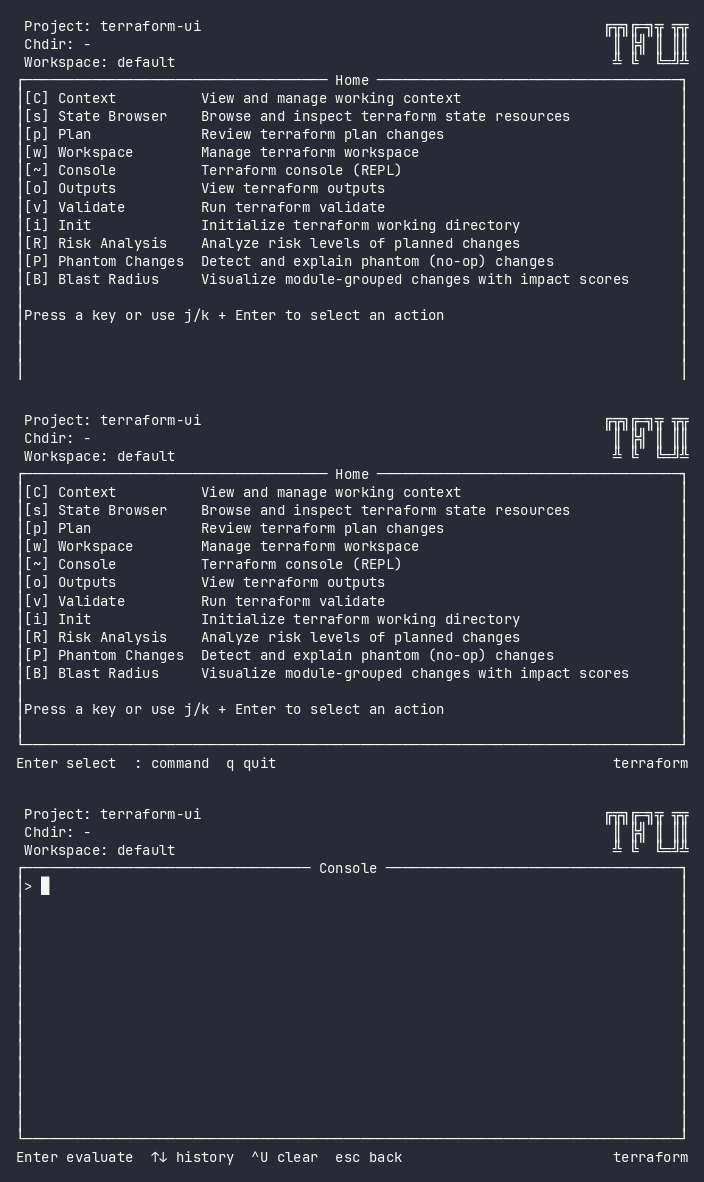
Interactive (TUI)
Press ~ from the home menu. The plugin launches an embedded terraform console session where you can evaluate expressions interactively.
Keybindings
| Key | Action | Context |
|---|---|---|
Enter |
Evaluate expression | Input |
↑ / ↓ |
Navigate history | Input |
Ctrl+U |
Clear current input | Input |
Esc |
Back to home | Always |
q |
Back to home (when input empty) | Empty input |
Flow
Home ──~──→ Console (REPL)
               │
               ├── type expression → Enter → evaluate → show result
               ├── ↑/↓ → recall previous expressions
               └── Esc → Home
Command Line (CLI)
tfui console -project ./infra
The CLI mode hands off to terraform console directly with proper terminal handling.
Exit Codes
| Code | Meaning |
|---|---|
| 0 | Console session ended normally |
| 1 | Error launching console |
Equivalence
| Goal | CLI | TUI |
|---|---|---|
| Open terraform console | tfui console |
Press ~ |
| Evaluate expression | Type in console REPL | ~ → type → Enter |
Configuration
# tfui.hcl
plugin "console" {
  enabled = true
}
Related
- State Browser – browse resources visually instead of querying
- Outputs – view output values without expressions